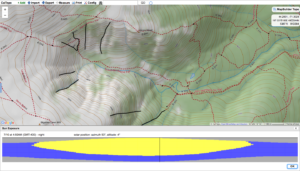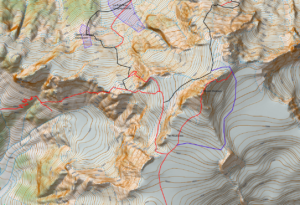
In my previous post I had a video explaining how I was working on a Gran Paradiso map and putting it on an offsite server so it can put it into Caltopo as a map layer to manipulate. Well that process has been completed and I have been working the map a bit more. That process got me to realize that for some the process of importing the map, hill shading and slope shade into Caltopo so they can be manipulated may be to0 techie . For that reason I felt publishing maps that are ready for use in Avenza might be useful. In this post I have linked a typical contour map, a slope shaded map and a .kmz file that you can use. The .kmz file will download onto your computer and when clicked on will overlay the map onto Google Earth. If you are comfortable with Caltopo and would like to import the map, hill shade and slope shade into Caltopo e mail me at marc@chauvinguides.com and I will e mail you the server address and basic instructions to add them as “Custom Layers” in Caltopo.
Here is the link to the Geopdf.
http://www.chauvinguides.com/wp-content/uploads/2018/03/paradiso.pdf
Here is the link to the Slope Shaded –the slope angle key is on the upper right had corner.
http://www.chauvinguides.com/wp-content/uploads/2018/03/paradisoslope.pdf
Here is the link to the .kmz file.
http://www.chauvinguides.com/wp-content/uploads/2018/03/paradiso.kmz
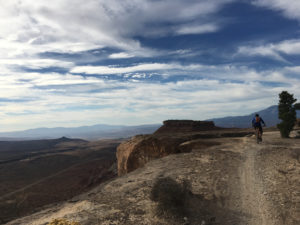 a world class trail. It’s one of the best technical trails anywhere with rolling slickrock, twisty singletrack, and vistas to die for.” With that kind of description we had to go there and do some riding.
 short technical ups and downs throughout the ride. Instead of trying to describe the riding here are a few videos to give you a taste.